

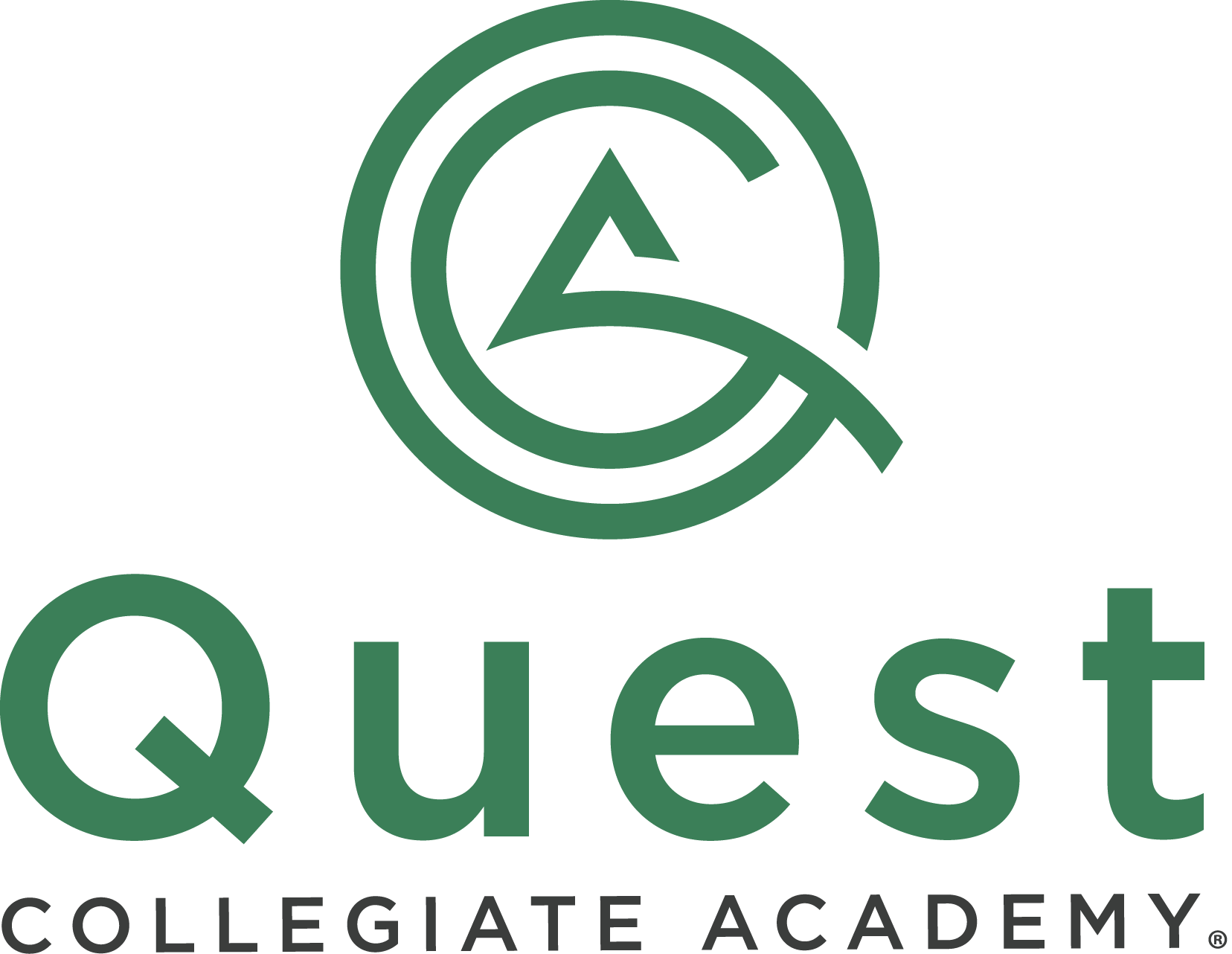
The Quest Collegiate Academy logo combines a stylized graphic element with the school’s name. The curved concentric circle design subtly resembles the initials QCA (Quest Collegiate Academy). This hidden element adds a sophisticated level of detail and reinforces brand recognition for those familiar with the school.
To the right, the words “Quest” are prominently displayed in a bold, sans-serif typeface, also in the same deep teal/green. The font choice is clean, modern, and easily legible. Beneath “Quest”, in a smaller, sans-serif typeface in black, the words “COLLEGIATE ACADEMY” appear. A small registered trademark symbol (®) is placed to the right of “ACADEMY”.
The primary color is a deep teal/green, representing growth, knowledge, and trust. The secondary color is black, used for the text “COLLEGIATE ACADEMY”, providing a strong contrast and readability.
Logo Variations


Improper Usage
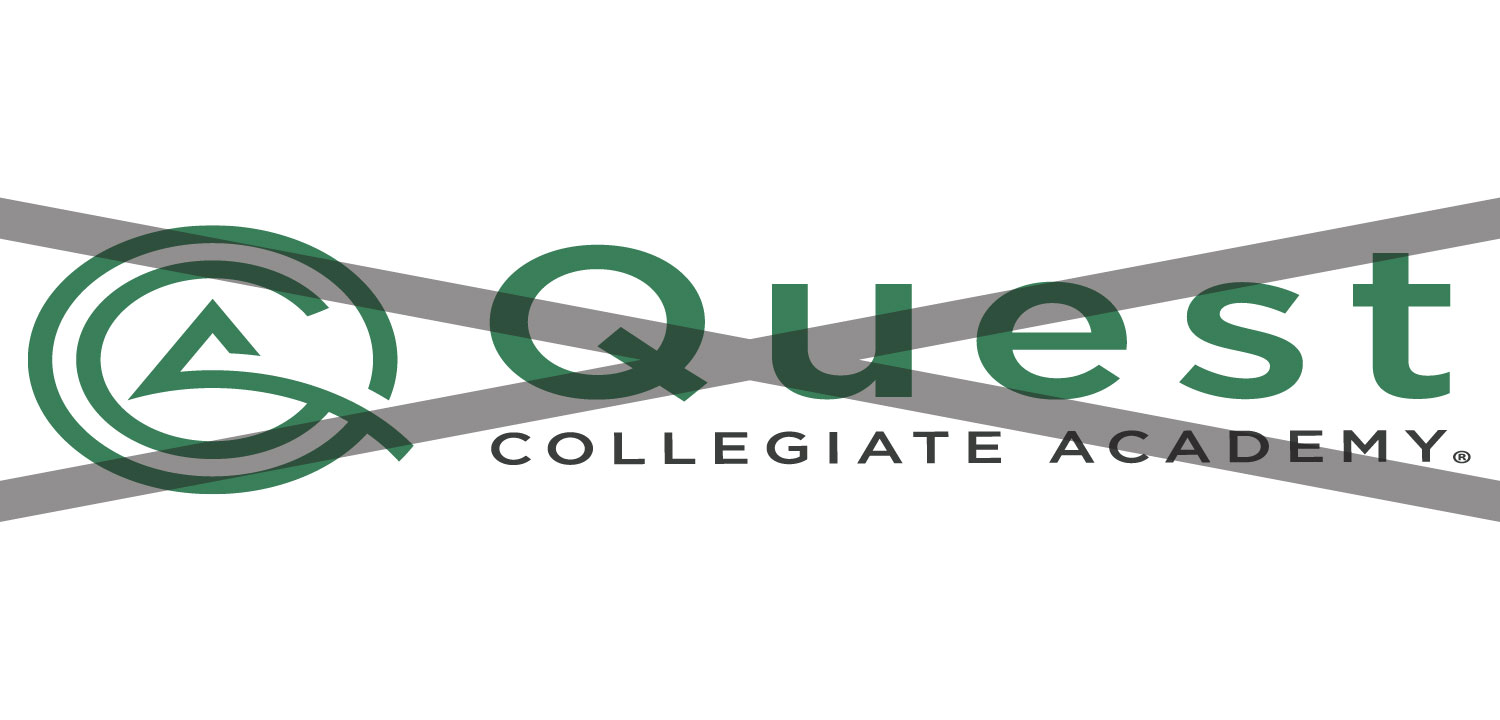
Constrain the proportions of the logo when resizing

Use only the approved color variations
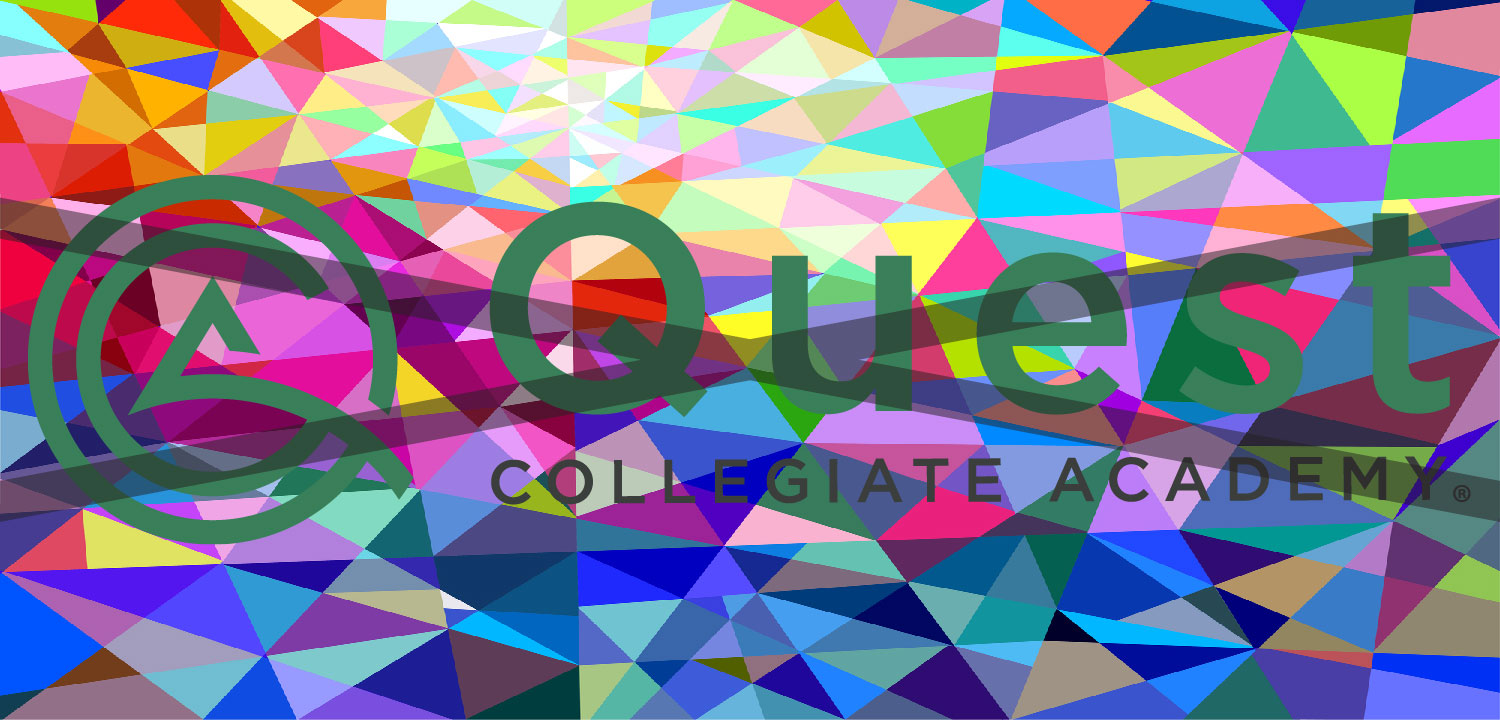
Avoid placing the logo on a busy background image
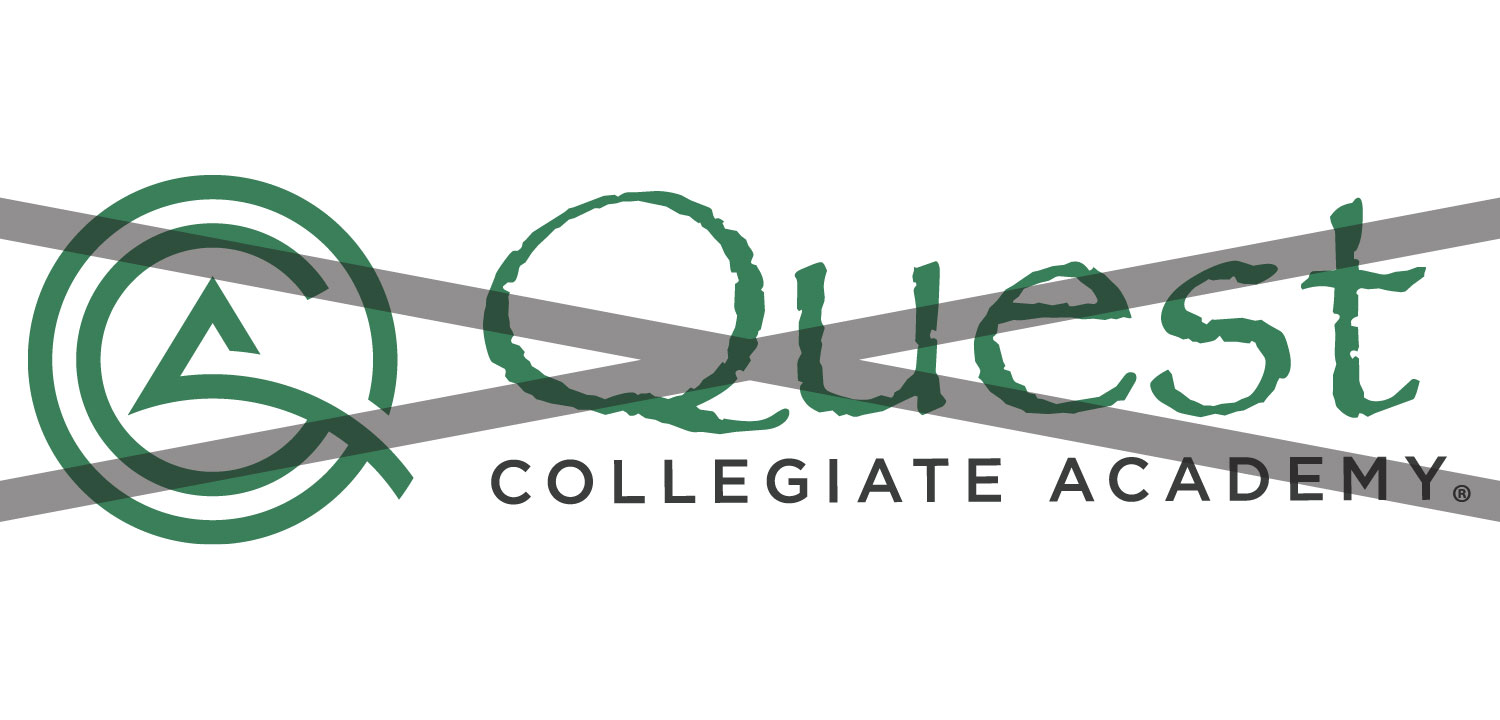
Use only the approved logo without changing the font

Avoid placing a logo variation on a similar color background
Include spacing around the logo
Fonts
Titles and Labels

Headlines and Call-Outs

Subtitles and Body Text

You can download these fonts to install on your computer. They can also be found in the Google Font Library when editing Google Drive files.
Color Palette
HEX:
#3a805a
RGB:
58, 128, 90
CMYK:
55, 0, 30, 50
Pantone:
7741 C
HEX:
#3c3e3d
RGB:
60, 62, 61
CMYK:
3, 0, 2, 76
Pantone:
Black C
HEX:
#000000
RGB:
0, 0, 0
CMYK:
0, 0, 0, 0
Pantone:
Black 6 C
HEX:
#efefef
RGB:
239, 239, 239
CMYK:
0, 0, 0, 6
Pantone:
Cool Gray 1 C